Understand when to choose Zoho's comprehensive platform versus Pipedrive's streamlined sales focus—and what both miss about data quality.
The Zoho vs. Pipedrive choice represents a fundamental question about your sales technology strategy: Do you want one unified platform that handles everything, or do you want a best-in-class sales-specific tool that you'll integrate with other specialist platforms?
This decision has exploded in importance because of the pricing dynamics in the CRM market. Five years ago, Salesforce dominated the enterprise, and Pipedrive had a monopoly on affordable sales-focused CRM. Today, Zoho has built a genuine alternative: a deeply powerful platform that costs 60-70% less than traditional enterprise CRM, with features that rival Salesforce.
For small businesses growing from 10 to 50+ employees, this choice matters because it determines your technical architecture for the next 3-5 years. And as they grow, data quality becomes increasingly critical—which both platforms struggle with in different ways.
Zoho CRM (part of the Zoho ecosystem) is a comprehensive platform. It includes contact and account management, sales pipeline, lead scoring, service ticketing, marketing automation basics, analytics, custom modules, workflow automation, and AI-powered insights. Zoho is essentially saying: 'We're building the entire back-office software suite for SMBs.' If you need additional modules, Zoho Books (accounting), Zoho People (HR), or Zoho Desk (support) integrate seamlessly.
This approach has advantages: You're not managing integration complexity across 5-6 different vendors. Data flows naturally between systems. You're not paying licensing fees to three different companies. For organizations building everything from scratch, Zoho can be genuinely cost-efficient.
Pipedrive is uncompromisingly focused. It handles three things exceptionally well: contacts, companies, and deals. That's it. Everything else—support ticketing, invoicing, HR—you source elsewhere. Pipedrive is betting that you'd rather use the best-in-class specialized tool for each function than a mediocre all-in-one platform. Pipedrive's philosophy: be the system that makes your reps' lives frictionless, and let other tools handle everything else.
Both philosophies are defensible. The question is which matches your organization's maturity and risk tolerance.
Pipedrive: $14-62 per user per month. A 10-person sales team typically uses the mid-tier plan at roughly $25/user, totaling $250/month for the entire team. Extremely cost-effective.
Zoho CRM: $25-80 per user per month. The mid-tier (Professional) is $50/user. The same 10-person team is $500/month. However—and this is important—that Zoho investment includes marketing automation, advanced lead scoring, and integrations that would cost you additional vendors and fees with Pipedrive.
The real pricing question isn't which base cost is lower. It's: what's your total architecture cost? If you choose Pipedrive and add on Zapier/Integromat, mailchimp for email marketing, and a separate support platform, you're spending $800-1,200/month. If you choose Zoho, you're spending $500/month and using built-in tools. On a per-feature basis, Zoho is more cost-efficient. But Zoho requires someone with technical knowledge to set up and maintain, while Pipedrive can be deployed without an admin—a hidden cost that favors Pipedrive for smaller teams.
Zoho's adoption challenge is different from Pipedrive's.
With Zoho: The adoption barrier is learning curve and configuration complexity. Zoho's interface is powerful but dense. A new rep might feel overwhelmed by the number of features available. Implementation requires planning: Which custom modules do you need? How should workflows route? What approval steps are required? These questions are good to answer, but they take time. Teams successfully implementing Zoho typically engage a consultant or internal admin. Without that, Zoho can feel unfinished—like Salesforce without the training wheels.
With Pipedrive: The adoption barrier is discipline, not complexity. Pipedrive is so easy to learn that implementation is almost too quick—reps are onboarded within a week. But sustained adoption depends on consistent, disciplined data entry. Because Pipedrive's features are straightforward, there's nowhere to hide lazy data management. A rep either moves their deals across the pipeline accurately or they don't. The CRM will work great or fail completely based on user behavior, not system design.
The irony: Zoho's complexity often drives better adoption of core features because users invest in learning the system. Pipedrive's simplicity sometimes drives worse adoption of consistent data practices because the barrier to entry is so low that reps don't prioritize it. Neither problem is fundamental to the platform—both are workflow problems.
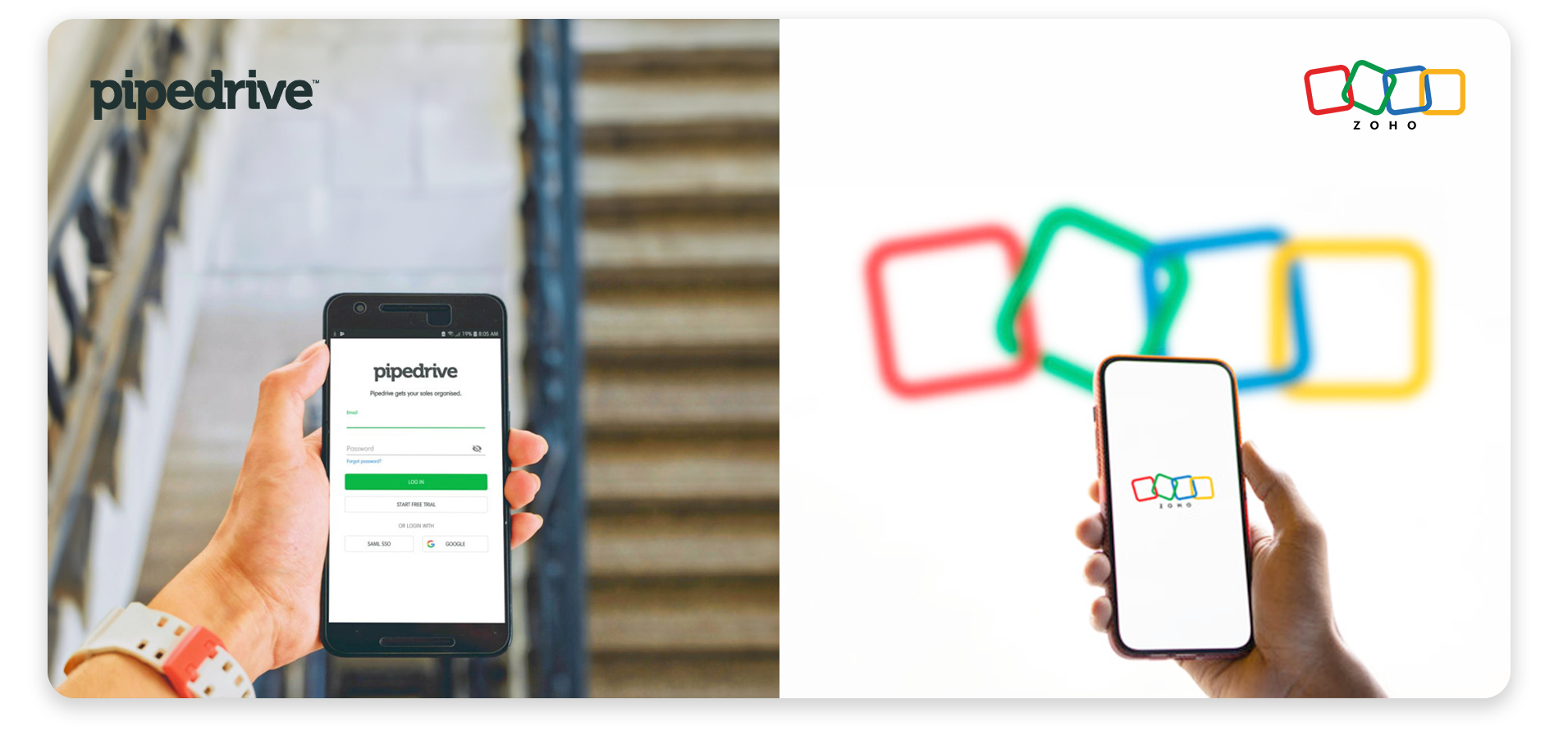
A Pipedrive rep's day looks like this: Open Pipedrive (usually via web or mobile). See your pipeline as a kanban board. Drag deals as they progress. Check your forecast. Maybe log a call. Check your activity reminders. Move to the next deal. The experience is fast, visual, and centered on pipeline management. Reps generally report that Pipedrive feels like a sales tool, not a data entry tool.
A Zoho rep's day is different. You might log into Zoho and navigate to the Sales module. You see a list view or kanban, depending on configuration. You're working from a structured interface that shows more information per record but requires more navigation to access different views. If you need to run a report, check a marketing automation sequence, or review a service ticket linked to an account, you're switching between modules. The experience is comprehensive but requires learning multiple interfaces.
For field sales teams (outside sales, territory-based), Pipedrive's mobile app and visual design give it a significant advantage. For inside sales teams that spend 8 hours a day in the CRM, Zoho's depth and customization become more valuable.
Neither system has solved the central workflow problem: data entry remains separate from selling. Reps must choose between closing a deal and logging the details. The best teams separate this choice by building capture infrastructure that pulls data from calls, emails, and meetings automatically, feeding clean data into either system without requiring reps to choose. This is where modern voice to CRM solutions and automated data capture layers become critical differentiators between platforms.
Zoho Challenges:
Pipedrive Challenges:
For both platforms, the core challenge is identical: data quality. Both Zoho and Pipedrive only work if the underlying data is complete and accurate. And for field teams in motion, that's the hardest requirement. This is why many high-performing teams are implementing separate CRM data entry infrastructure that captures information at the source (calls, meetings, emails) rather than relying on reps to manually enter data into either system.
Here's where Zoho and Pipedrive show their limitations most clearly: neither system has solved the data quality problem.
Zoho attempts to solve this through customization: required fields, approval workflows, data validation rules. If you configure Zoho with strict data entry requirements, you can force completeness. The problem: you're forcing reps to enter data, not making it easy for them to do so. This creates resistance. Many Zoho implementations fail not because the platform isn't capable, but because organizations misconfigure it to be too rigid. Reps start bypassing the system instead of using it.
Pipedrive tries to solve it through simplicity: if the interface is clean and non-threatening, reps will use it. And many do. But without external enforcement, data quality still degrades. A rep might create a deal, move it through two pipeline stages, then abandon it without closing or losing it—leaving zombie deals in the forecast. Pipedrive's visual design doesn't prevent lazy data practices; it just makes them feel less obtrusive.
Both systems show the same degradation pattern:
The problem is structural: both Zoho and Pipedrive expect data entry to happen in a moment when the rep's attention is divided. They've just finished a call—should they update the CRM or move to the next prospect? They've gotten an email—should they log it or respond first? In the daily battle between selling and recording, selling always wins.
This is why the smart approach isn't 'choose Zoho or Pipedrive based on features.' It's 'choose your CRM based on your business model, then implement infrastructure that solves the data capture problem separately.' Learn more about the cost of manual CRM data entry and why this problem persists across all platforms.
The most successful Zoho and Pipedrive implementations share a common pattern: they've implemented a capture layer that sits between the rep's natural workflow and the CRM. This might include structured intake calls that immediately populate deal records, automated email parsing that logs communications, call transcription that extracts next steps, or voice-to-data solutions that turn rep notes into structured records.
Here's why this matters:
The architecture matters more than the CRM choice itself. When you implement a proper capture layer, both Zoho and Pipedrive perform dramatically better. Forecasts become reliable. Reports are trustworthy. Reps spend more time selling and less time typing. You can explore how to approach this in our solutions section, which details capture layer architectures that work with any CRM.
The key decision point: Do you want to build a comprehensive, integrated technology stack (Zoho's play) or do you want to assemble best-in-class point solutions (Pipedrive's play)? Either approach works. But both require solving the data capture problem. If you don't address that, neither platform will deliver value. This is why organizations looking to scale are evaluating capture infrastructure, not just CRM features. See our article on 7 CRM adoption concerns that Hey DAN can help you solve for specific examples of how this problem appears in real implementations.
If you're planning to grow from a 5-person sales team to 20 or more, customization becomes important.
Pipedrive's limitation becomes apparent: you can't heavily customize the core platform. What you see is what you get. If you need custom modules, approval workflows, or complex integrations, you're using Zapier or building API integrations. This is workable but adds complexity. For companies that grow rapidly, Pipedrive sometimes requires a platform migration after scaling, which is costly and disruptive.
Zoho's strength is here. You can create custom modules, complex workflows, and approval chains without rebuilding the system. As you add new divisions—maybe a support team, then an accounting function—Zoho's ecosystem can expand with you. For companies building comprehensive back-office systems, Zoho is genuinely future-proof in a way Pipedrive isn't.
The tradeoff: Zoho's flexibility requires expertise to configure correctly. You need someone (internal or external) who understands workflow design and data modeling. Pipedrive's simplicity is almost turnkey, but your upgrade path is constrained.
For scaling organizations, the question isn't just 'which CRM' but 'what's my technology growth plan?' This is where building with capture layer infrastructure becomes important—because you can migrate CRM platforms later without losing your capture layer investment. Teams are increasingly thinking about voice to CRM architectures as foundational infrastructure that exists independently of CRM platform choice. This gives them flexibility to upgrade or change CRM platforms without rearchitecting their data capture solution.
Choose Pipedrive if:
Choose Zoho if:
In both cases, plan to address the data capture challenge separately. For practical strategies, see our article on overcoming sales challenges which includes approaches to solving the data entry problem.
Zoho and Pipedrive represent two fundamentally different approaches to CRM: comprehensive ecosystem vs. focused best-of-breed. Neither approach is objectively correct. The choice depends on your organizational structure, technical maturity, and growth plans.
The mistake most organizations make is over-weighting the platform choice and under-weighting the data infrastructure choice. You can choose the perfect CRM and still fail if your team can't maintain data quality. You can choose a less-featured CRM and succeed if you've built capture infrastructure that makes data entry effortless.
The future of sales infrastructure isn't 'which CRM'—it's 'how do we separate the system of record (the CRM) from the system of capture (voice, email, calls)?' Leading teams are implementing this two-layer architecture with both Zoho and Pipedrive, and both platforms perform dramatically better as a result. Learn how to architect this approach in our capabilities section.
Want to understand the broader context of CRM selection and data quality challenges?
Understand whether outsourcing data entry is an option: outsourcing CRM data entry


